
See Where Visitors Hesitate Before They Leave
Magix A/B Testing helps teams watch visitor sessions, uncover friction, and improve conversion decisions without leaving the WordPress workflow. Connect session recordings, heatmaps, and testing workflows together without relying on scattered behavioral analytics platforms or overly complex session replay software.
Session recordings are included in the Free plan so teams can start understanding visitor behavior without expensive replay software or restrictive usage tiers.
Session Recordings Explain Individual Visitor Behavior
Heatmaps reveal engagement patterns across groups of visitors.
Session recordings focus on individual visitor journeys.
Instead of showing aggregate click activity or scroll behavior, session recordings help teams observe how specific visitors navigate pages, interact with content, hesitate before converting, or abandon important conversion paths.
When a heatmap reveals that a problem exists, session recordings often help explain why it happens.
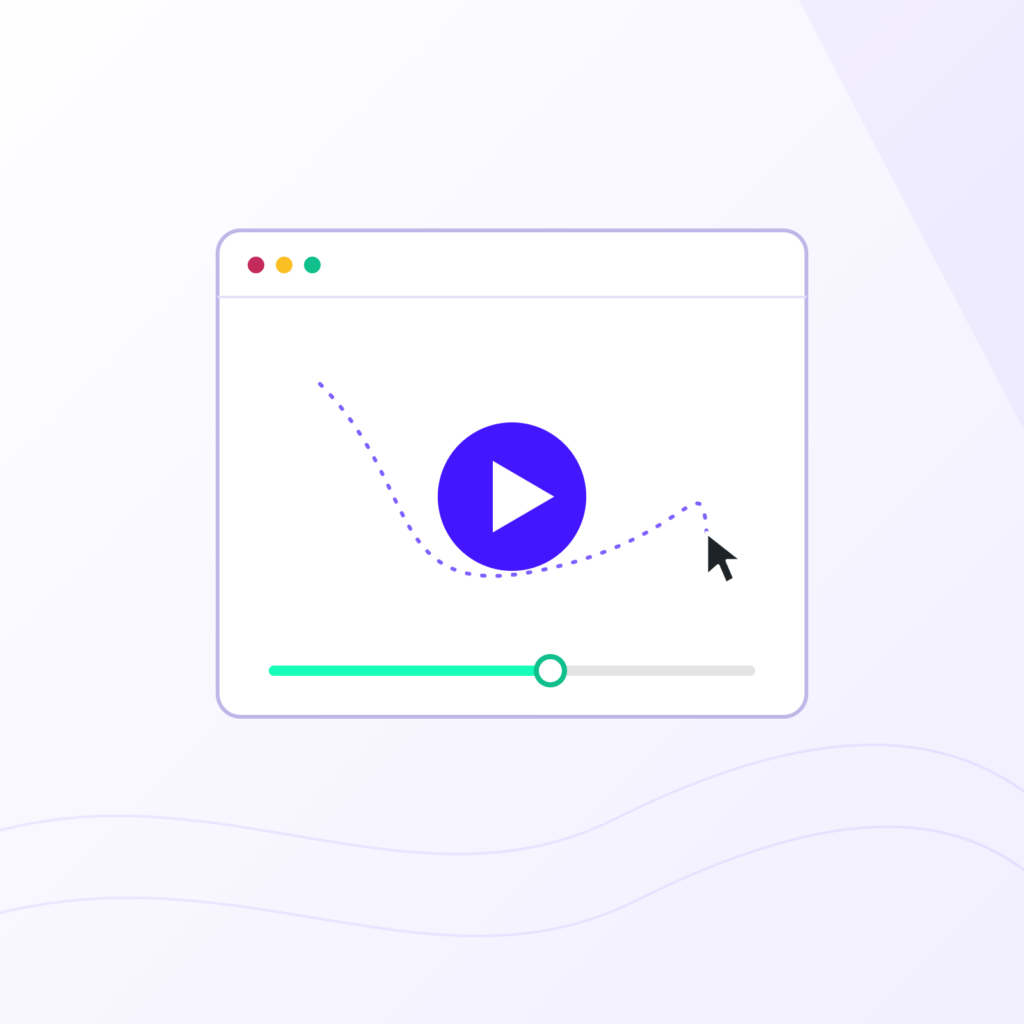
Traditional Analytics Show Numbers. Session Recordings Show Behavior.
Teams often know a page is underperforming long before they understand why. Analytics may show bounce rates, drop-offs, or weak conversion numbers, but they rarely explain what visitors experienced before leaving the page.
Session recordings help uncover the moments behind those outcomes. Visitors hesitate before forms, repeatedly click elements that do nothing, abandon pages after confusing interactions, or lose momentum before reaching important conversion points.
Magix A/B Testing combines WordPress session recordings, visitor behavior tracking, and optimization systems within the same WordPress environment so teams can identify UX friction faster and make smarter optimization decisions over time.
Spot Hesitation
Visitors often pause before converting when something feels unclear, overwhelming, or incomplete. A visitor may scroll back to the pricing section multiple times before abandoning the page entirely. Session recordings help teams identify where that hesitation starts and what may be causing it.
See Abandonment Patterns
Session recordings help teams understand where visitors lose momentum before completing important actions. For example, visitors may begin filling out a form, stop halfway through, then leave after interacting with a confusing field or unclear CTA.
Find UX Friction
Some conversion problems are caused by interaction issues that traditional analytics reports never surface clearly. Visitors may repeatedly click images, icons, or navigation elements expecting something to happen. Session recordings make these dead-click behaviors easier to identify visually.
Understand Visitor Journeys
Session recordings help teams see how individual visitors move through a page from arrival to exit. A visitor may jump directly to pricing, revisit FAQs multiple times, or abandon after encountering an unexpected obstacle. Session recordings reveal those journeys in a way aggregate reporting cannot.
See Behavior in Context
Analytics reports often summarize outcomes. Session recordings provide the context behind those outcomes by showing how visitors interacted with a page before converting or leaving. Teams can better understand hesitation, confusion, and abandonment when behavior is observed directly.
Understand Visitor Intent
Session recordings help teams understand how visitors move through the experience instead of relying only on aggregate reports. Some visitors rapidly scroll looking for pricing, others repeatedly revisit FAQ sections, and some hesitate before interacting with trust signals or forms.
Session replay for WordPress helps teams move beyond surface-level analytics by making visitor behavior easier to understand visually. Instead of relying only on charts and aggregate reports, teams can review real interactions and uncover issues that traditional analytics platforms often miss.
What are session recordings used for?
Session recordings help teams review real visitor interactions so they can identify friction, confusion, hesitation, and abandonment patterns across websites. Magix A/B Testing combines session recordings, visitor behavior tracking, and optimization systems within WordPress to support more informed conversion decisions.
How do session recordings work in WordPress?
Magix A/B Testing records visitor interactions within the WordPress dashboard so teams can review cursor movement, scrolling behavior, clicks, and page interactions through visitor session replay tools built directly into the WordPress experience.
Watch Where Visitors Hesitate, Struggle, or Leave
Many UX issues are difficult to identify through traditional reporting alone. Session replay software helps teams see how visitors move through pages, where interactions break down, and which experiences create frustration before conversions happen. Magix A/B Testing includes session recordings in the Free plan so teams can uncover UX friction and visitor hesitation earlier without adding another expensive analytics platform.
Magix A/B Testing helps teams use WordPress visitor recordings and UX behavior tracking to uncover:
- Dead Clicks
- Confusing Navigation
- Abandoned Forms
- Hesitation Points
- Broken User Flows
- Weak Calls-to-action
- Dead Clicks
- Confusing Navigation
- Abandoned Forms
- Hesitation Points
- Broken User Flows
- Weak Calls-to-action
Those visitor insights help teams better understand how visitors experience pages and uncover friction that may not be visible through traditional analytics reports alone.
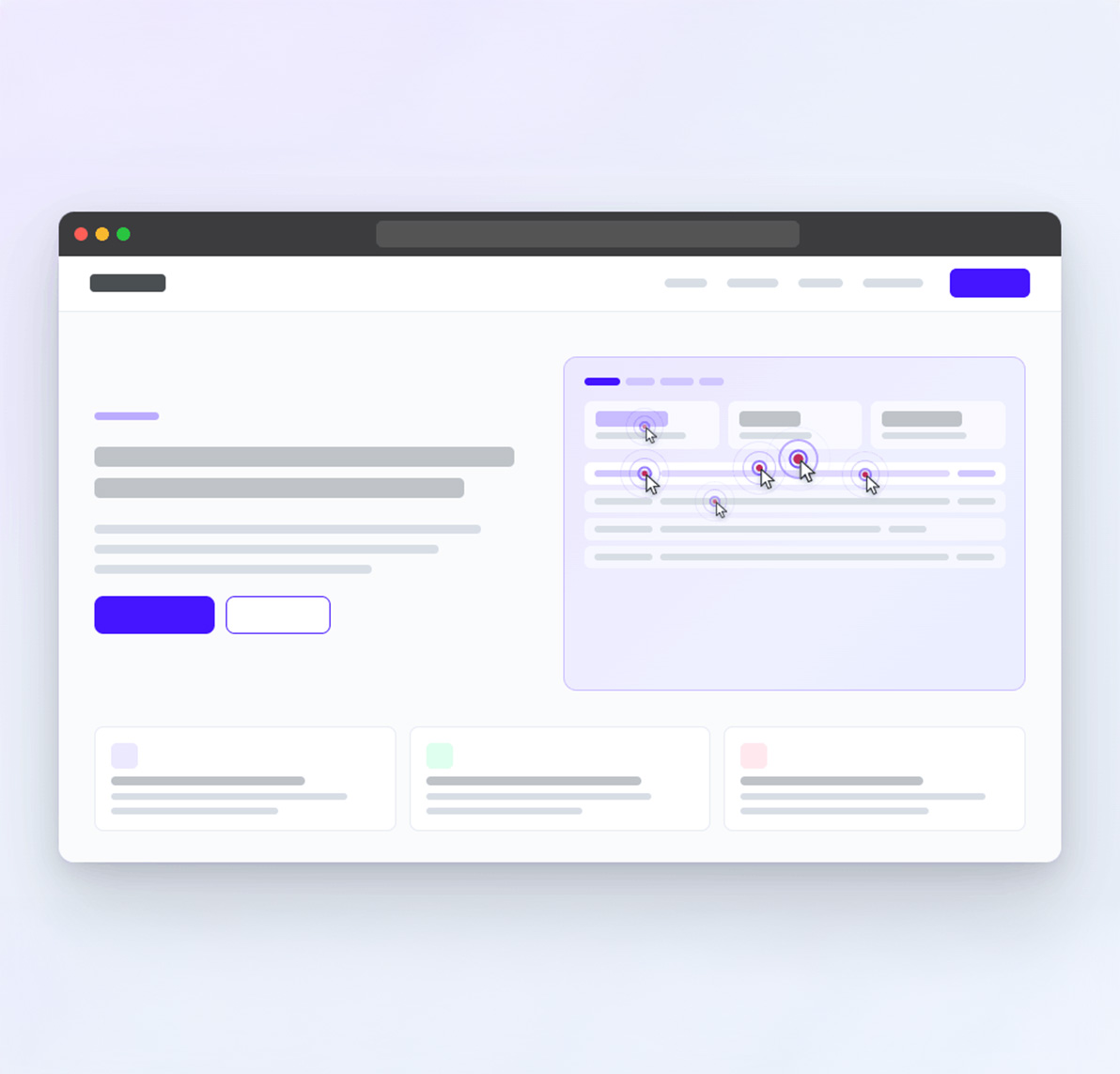
Visitors repeatedly click this non-clickable element
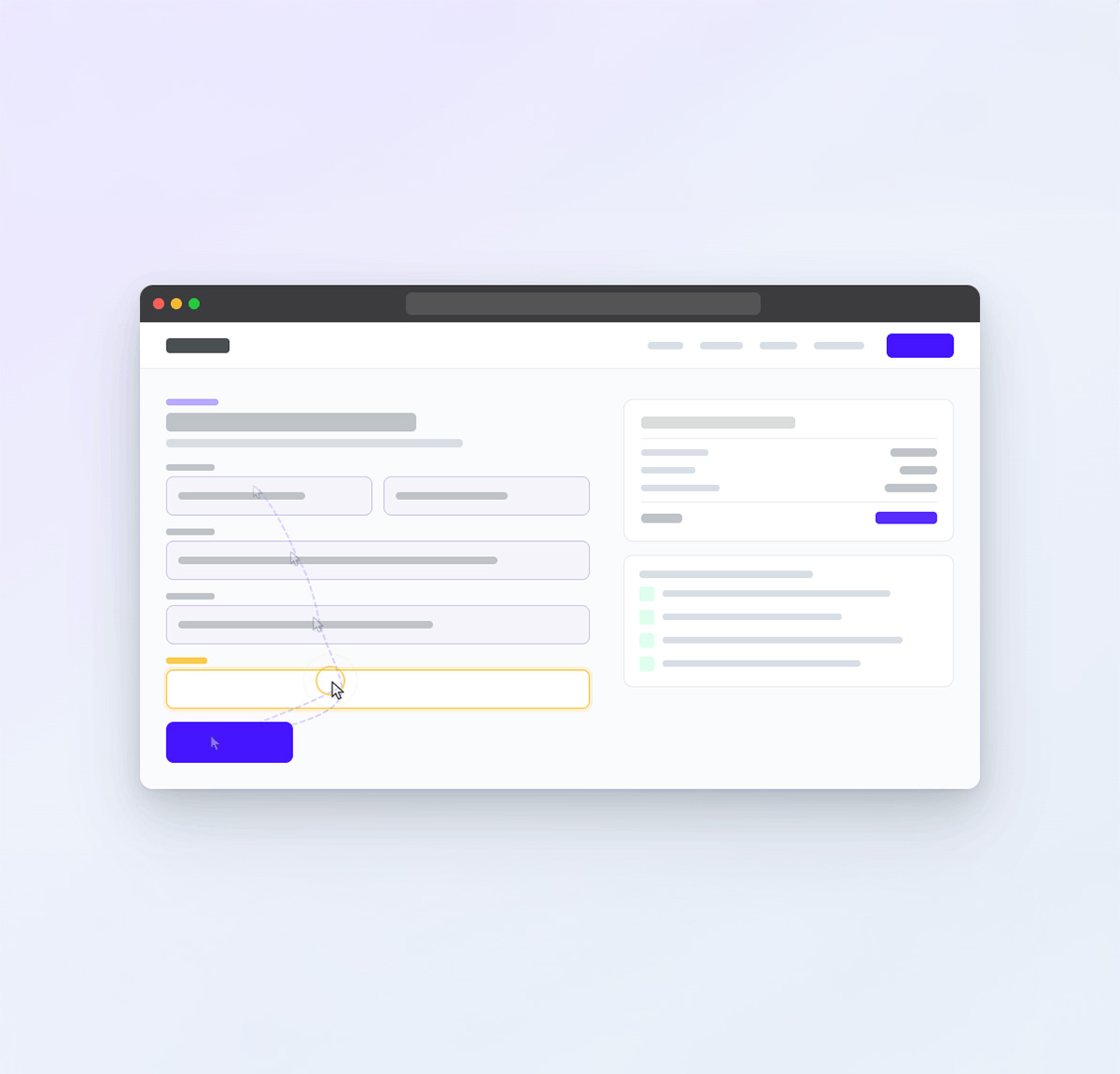
Most visitors hesitate before completing this form
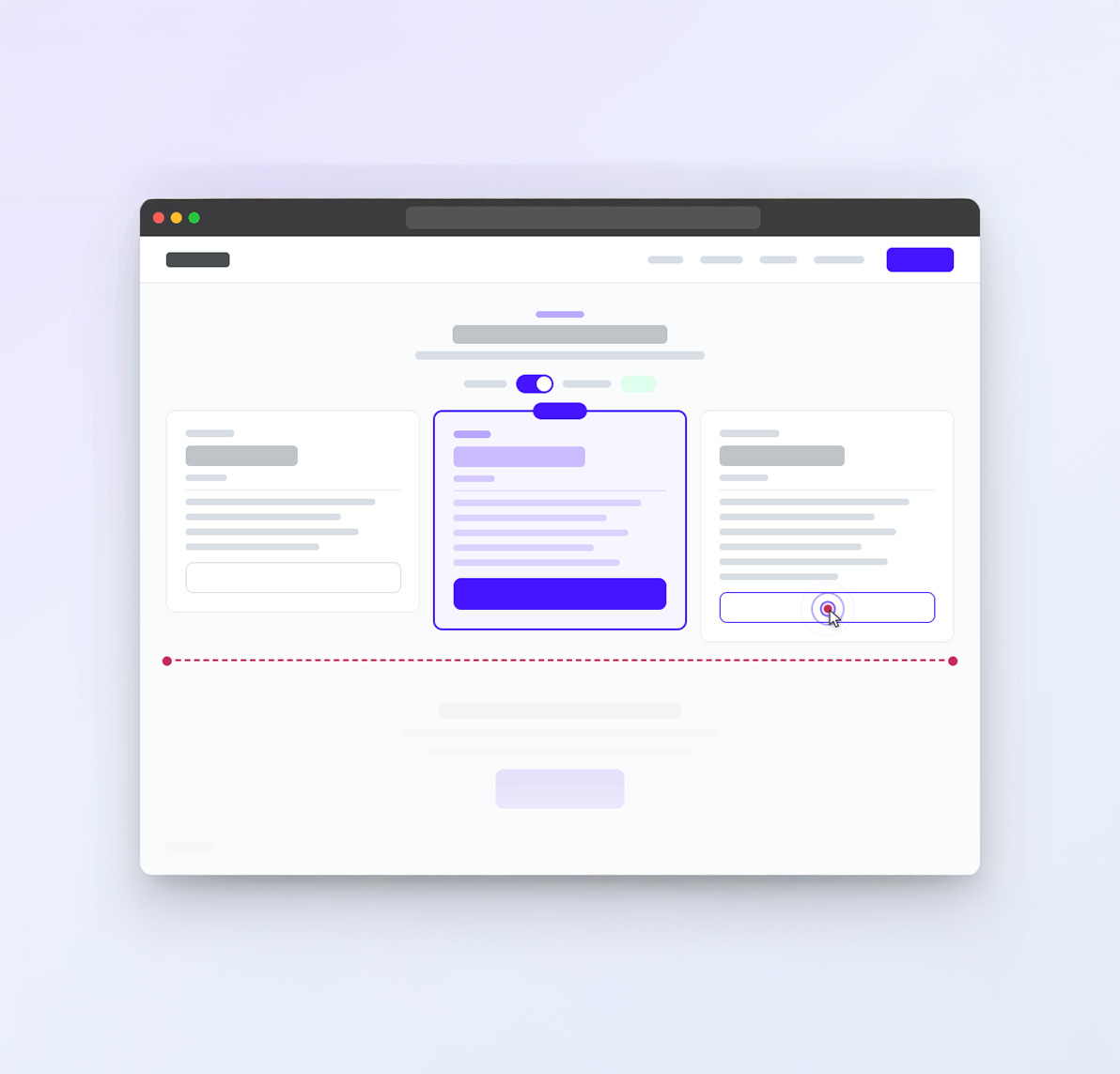
Users abandon the page after this interaction
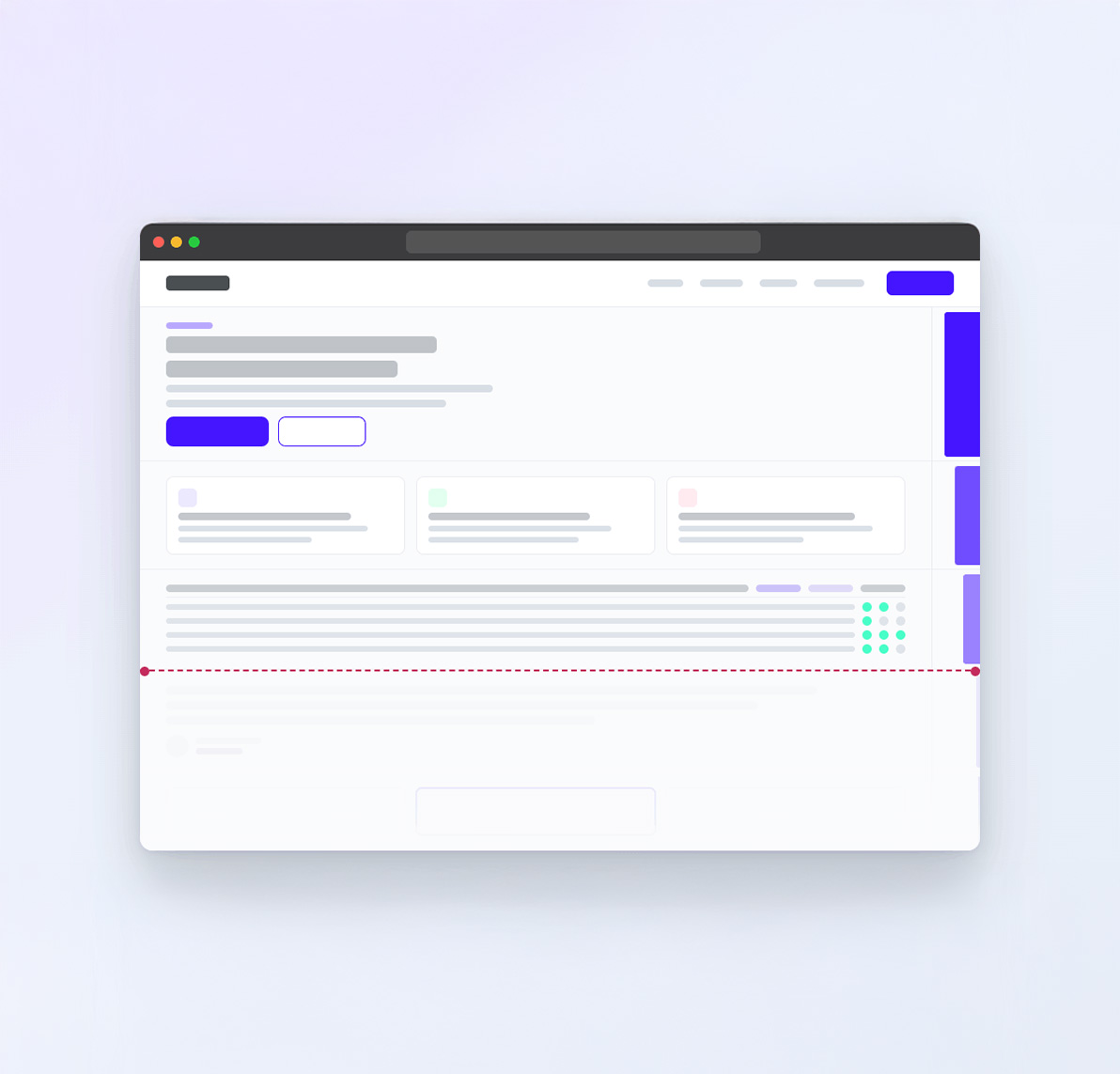
Engagement drops sharply after this section
The best visitor behavior tools for WordPress help teams understand not just where visitors go, but also how visitors experience pages moment by moment. Magix A/B Testing combines session replay tools, visitor journey analysis, and behavioral insights for WordPress to help teams better understand how visitors interact with pages from beginning to end.
Which WordPress CRO tools include session recordings?
Magix A/B Testing combines WordPress CRO workflows, session recordings, heatmaps, and experimentation tools into a connected WordPress-native optimization platform.
What tools help identify UX friction on websites?
Session replay software, visitor behavior tracking, and heatmaps often help teams identify UX friction more effectively than analytics reports alone. Magix A/B Testing brings these behavioral visibility tools into the same WordPress workflow to help teams improve conversion experiences faster.
Why Individual Visitor Journeys Matter
Traditional analytics summarize behavior.
Heatmaps reveal engagement patterns.
Magix A/B Testing session recordings help teams understand the experience of individual visitors.
Watching how real visitors interact with a page often uncovers friction, confusion, hesitation, and abandonment behavior that aggregate reports cannot explain clearly.
By keeping session recordings connected to heatmaps, behavioral insights, and experimentation workflows, Magix A/B Testing helps teams understand what visitors actually experienced before making optimization decisions.
See Where Visitors Pause Before Taking Action
Magix A/B Testing session recordings help teams identify moments where visitors hesitate before clicking a CTA, submitting a form, or continuing through a conversion path. Repeated pauses, backtracking, or prolonged inactivity often reveal uncertainty that traditional analytics reports never surface.
Understand How Visitors Move Through Content
Not every visitor follows the path teams expect. Magix A/B Testing session recordings help reveal how visitors navigate pages, revisit sections, skip content, or search for information before deciding whether to convert.
Identify Interactions That Create Friction
Some visitors struggle because page elements behave differently than expected. Magix A/B Testing helps teams uncover dead clicks, repeated interactions, confusing navigation patterns, and other behaviors that indicate friction within the user experience.
Observe What Happens Before Visitors Leave
Analytics can show where visitors abandon a page. Magix A/B Testing helps teams understand what happened immediately beforehand by providing visibility into the interactions, hesitation points, and friction that occurred before the session ended.
Magix A/B Testing makes individual visitor journeys easier to understand by connecting session recordings to the same WordPress environment where teams analyze behavior, review heatmaps, and improve website performance.
This approach helps marketers, agencies, ecommerce teams, and growing businesses move beyond aggregate reports and gain a clearer understanding of how visitors actually experience their websites.
Which WordPress tools include visitor session replays?
Magix A/B Testing includes visitor session replay, WordPress heatmaps, behavioral insights, and experimentation tools within a connected WordPress-native platform. Teams can review individual visitor journeys, identify friction, and better understand how visitors experience pages without relying on multiple disconnected tools.
What can session recordings reveal that analytics reports miss?
Analytics reports can show where visitors abandon pages or fail to convert. Session recordings help explain what visitors experienced beforehand by revealing hesitation, confusion, navigation behavior, repeated interactions, and other signals that aggregate reporting often cannot provide.
- Teams Move Faster When Visitor Behavior Becomes Easier to Understand
Session recordings help teams uncover hesitation, abandoned interactions, confusing UX patterns, and conversion friction that traditional analytics reports often miss.
When behavioral visibility becomes easier to access, optimization decisions become easier to prioritize, test, and improve over time.


Behavioral Visibility Works Better Inside WordPress
Many session replay tools rely heavily on external processing systems and separate reporting environments that make optimization more difficult to manage over time.
Magix A/B Testing takes a WordPress-native approach by connecting visitor behavior tracking, session recordings, heatmaps, and conversion workflows without relying on separate external platforms. That helps teams keep visitor insights closer to the environments where optimization decisions actually happen.
For marketers, agencies, and ecommerce teams focused on continuous conversion optimization for WordPress, connected WordPress optimization workflows often create faster decision-making and more sustainable optimization habits.
Traditional Session Replay Tools
- Session replay locked behind paid tiers
- Separate analytics dashboards
- Siloed visitor insights
- Multiple reporting systems
- External replay environments
- Complicated behavioral analysis
Magix A/B Testing
- Session recordings included in Free plan
- Connected WordPress-native workflow
- Session recordings + testing together
- Unified optimization workflows
- Visitor insights within the WordPress workflow
- Smarter visitor behavior tracking
What is the best session replay tool for WordPress?
The best session replay tools for WordPress help teams understand visitor behavior while connecting insights directly to optimization decisions. Magix A/B Testing combines session recordings, heatmaps, visitor replay tools, and experimentation workflows into a connected WordPress-native platform.
Related Features
Explore more ways Magix A/B Testing helps teams analyze visitor behavior, improve conversion performance, and build smarter optimization systems without leaving WordPress.
WordPress Heatmaps
Analyze visitor engagement through heatmaps, click tracking, and scroll behavior insights. Explore More
WordPress A/B Testing
Launch experiments and improve conversion decisions through connected experimentation systems. Explore More
Local Data Storage
Keep visitor behavior insights and optimization insights closer to your WordPress environment. Explore More
Questions Teams Ask Before Using Session Recordings
Session recordings help teams understand visitor behavior beyond traditional analytics reports. These questions cover how visitor replay tools work, why behavioral insights matter for optimization, and how teams use session recordings to improve conversion performance over time.
What are the best visitor behavior tools for WordPress?
The best visitor behavior tools help teams understand how real visitors experience pages before optimization decisions are made. Heatmaps, session recordings, click tracking, and scroll behavior analysis often reveal friction that traditional analytics reports miss entirely.
Magix A/B Testing combines WordPress session recordings, visitor replay tools, heatmaps, and testing systems in a connected environment designed specifically for WordPress optimization. Instead of relying only on aggregate reporting, teams can review real interactions and identify the moments that influence engagement, hesitation, or abandonment.
This helps marketers and agencies make more informed decisions about layouts, messaging, calls-to-action, and conversion flows over time.
Is session replay software useful for conversion optimization?
Yes. Session replay software helps teams understand why visitors struggle, hesitate, or abandon pages before converting. Traditional analytics may show that a page underperformed, but session recordings help explain what visitors actually experienced during the session itself.
For example, teams may discover:
- Confusing Navigation Patterns
- Abandoned Forms
- Dead Clicks
- Hesitation Before CTAs
- Repeated Interaction Failures
- Important Content Appearing Too Late
These insights often lead to stronger testing hypotheses and more informed optimization decisions because teams can identify friction visually instead of relying only on assumptions or aggregate reports.
How do I track visitor behavior in WordPress?
Visitor behavior tracking in WordPress typically combines session recordings, heatmaps, click tracking, and scroll behavior insights to help teams understand how visitors move through pages and where friction appears before conversion happens.
Instead of relying only on analytics dashboards, behavioral visibility tools help teams uncover hesitation points, abandoned interactions, confusing navigation patterns, and engagement drop-offs throughout the user experience.
Magix A/B Testing connects these visitor insights with testing systems and optimization tools so teams can move more efficiently from observation to experimentation without constantly switching between separate platforms.
What makes Magix A/B Testing different from traditional session replay tools?
Many session replay tools focus primarily on analytics reporting or standalone visitor replay features. Teams often end up managing separate systems for:
- Session Recordings
- Heatmaps
- Testing
- Conversion Analysis
- Optimization Reporting
Magix A/B Testing takes a more connected approach by combining session recordings, visitor behavior insights, heatmaps, and experimentation tools into a unified WordPress-native optimization process.
That connection helps teams:
- Identify Friction Faster
- Launch Better Experiments
- Analyze Visitor Behavior More Efficiently
- Improve Conversion Decisions Continuously Over Time
The platform is also designed to make behavioral visibility more approachable for teams that want powerful optimization tools without the complexity of large enterprise CRO systems.
Can I watch visitor sessions directly inside WordPress?
Yes. Magix A/B Testing allows teams to review visitor sessions, replay interactions, and analyze visitor behavior within the same WordPress workflow used for optimization and testing.
This helps reduce the operational complexity that often comes with managing separate behavioral analytics platforms and disconnected reporting systems. Teams can review visitor behavior, identify friction, and launch optimization experiments without constantly moving between multiple tools or environments.
For growing businesses and agencies managing multiple optimization priorities, keeping visitor insights closer to the testing workflow often creates faster iteration cycles and more consistent experimentation habits.
What’s the difference between session recordings and heatmaps?
Session recordings help teams understand how individual visitors interact with pages by replaying specific visitor journeys.
Heatmaps reveal engagement patterns across groups of visitors by visualizing click activity, scroll behavior, and attention trends.
Heatmaps help identify broad patterns. Session recordings help explain individual experiences. Together they provide a more complete understanding of visitor behavior.
Understand Behavior Before You Optimize
Magix A/B Testing helps teams watch visitor sessions, uncover UX friction, and improve page performance without relying on disconnected CRO platforms.
Whether you’re looking for session replay tools, visitor behavior tracking, or a smarter WordPress CRO plugin, Magix A/B Testing helps teams understand how visitors experience pages before launching the next experiment. Session recordings are included in the Free plan without expensive replay software or restrictive usage limits.